Document Bates Numbering
Bates Numbering
This feature enables automatic or manual application of standardized Bates numbering for document identification on documents submitted or generated within the Case Management System.
| Eligible Roles | Fucntion on Bates Numbering |
|---|---|
| Records Staff | Can apply Bates Numbering through Cases Documents tab or Pleading Documents tab of the case |
| Records Supervisor | Can apply Bates Numbering through Cases Documents tab or Pleading Documents tab of the case |
| Commissioner Staff | Can apply Bates Numbering through Cases Documents tab of the case |
| Commissioner Supervisor | Can apply Bates Numbering through Cases Documents tab of the case |
| OGC Paralegal | Can apply Bates Numbering through Cases Documents tab of the case |
| HE Law Clerk | Can apply Bates Numbering through Cases Documents tab of the case |
| Assigned Users | Users that are assigned to the case can apply Bates Numbering through Cases Documents tab of the case |
Bates numbering can only be applied to documents in PDF format. Non-PDF files will not display the option to apply Bates numbering. Once Bates numbering is applied, it becomes part of the document content and cannot be edited or removed.
- Once logged in, navigate to dashboard
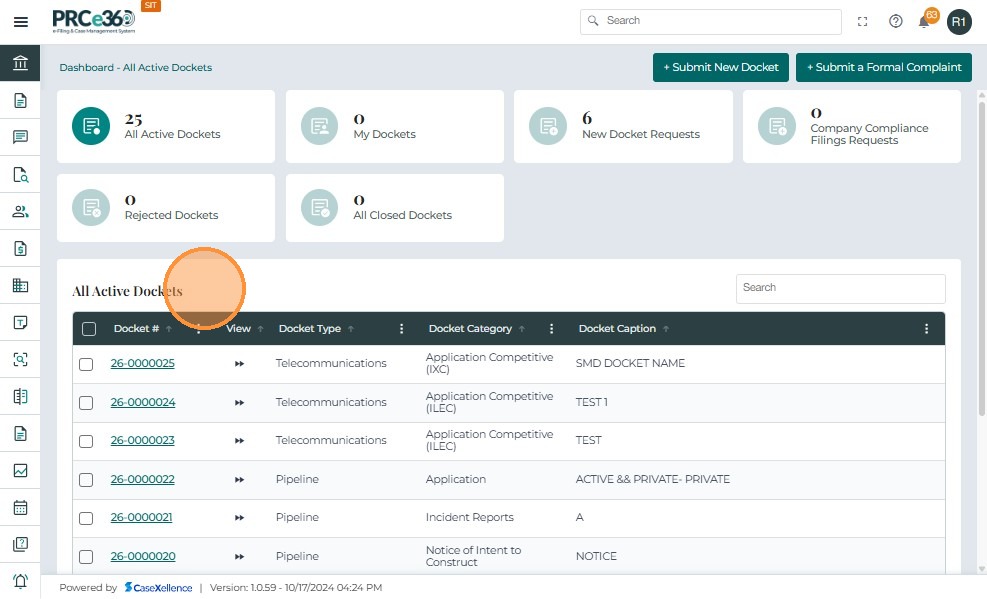
- The user can select a docket from the All Active Dockets queue.
- The user can also select a docket from My Dockets queue
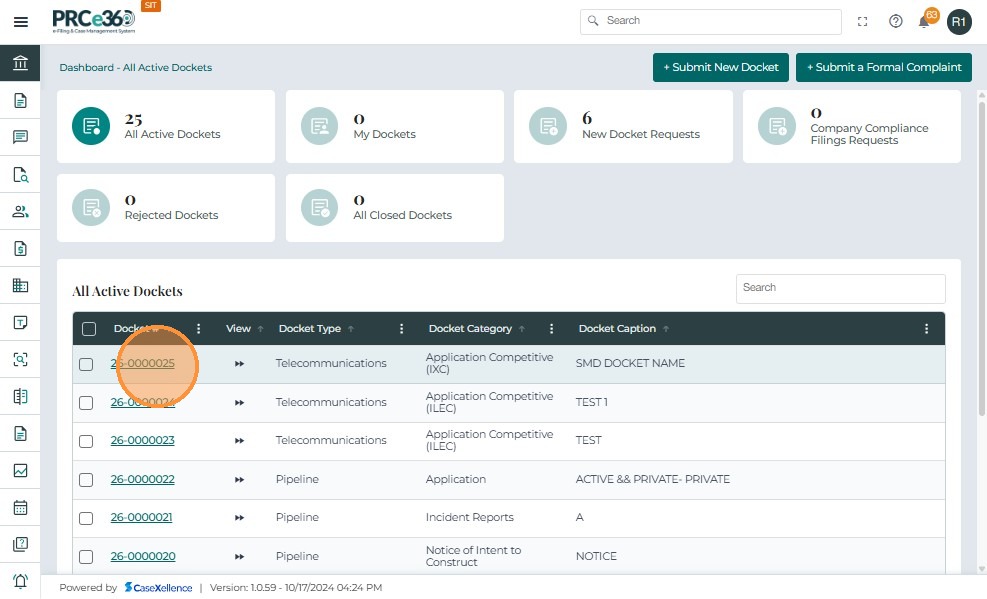
- Click on the Docket Number to navigate to the case 360 view
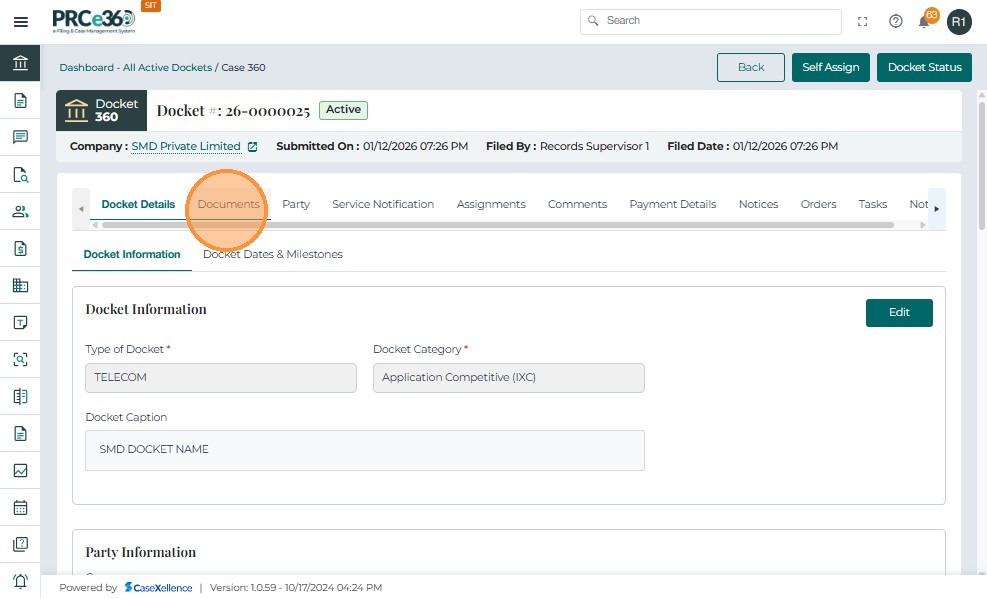
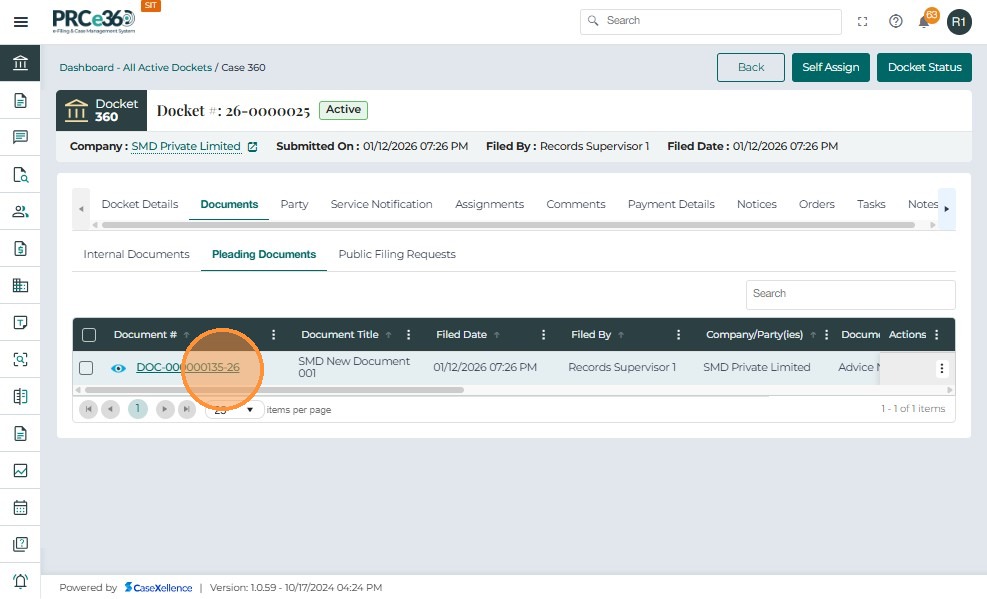
- Click on the Documents tab and select a document if available
- Or click on the Pleading Documents tab, if the user is from Records Division
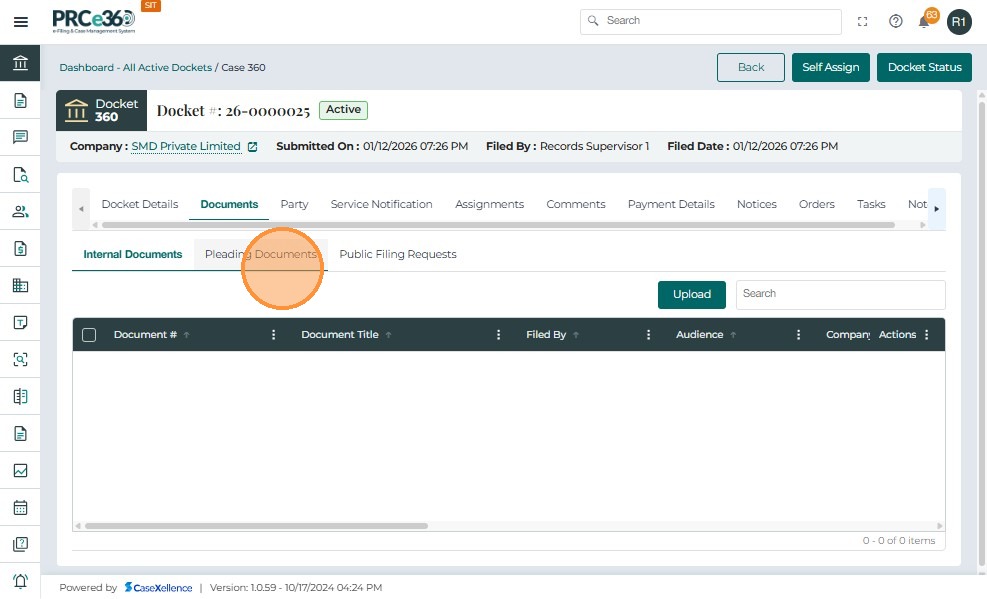
- Click on the Document number to view the document
- Click on this icon to add Bates Numbering
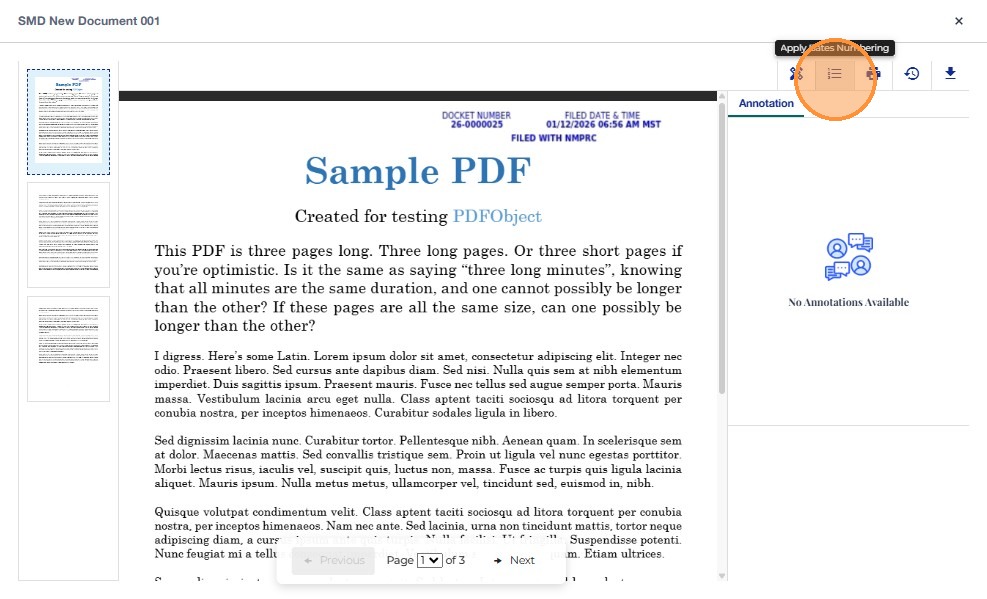
-
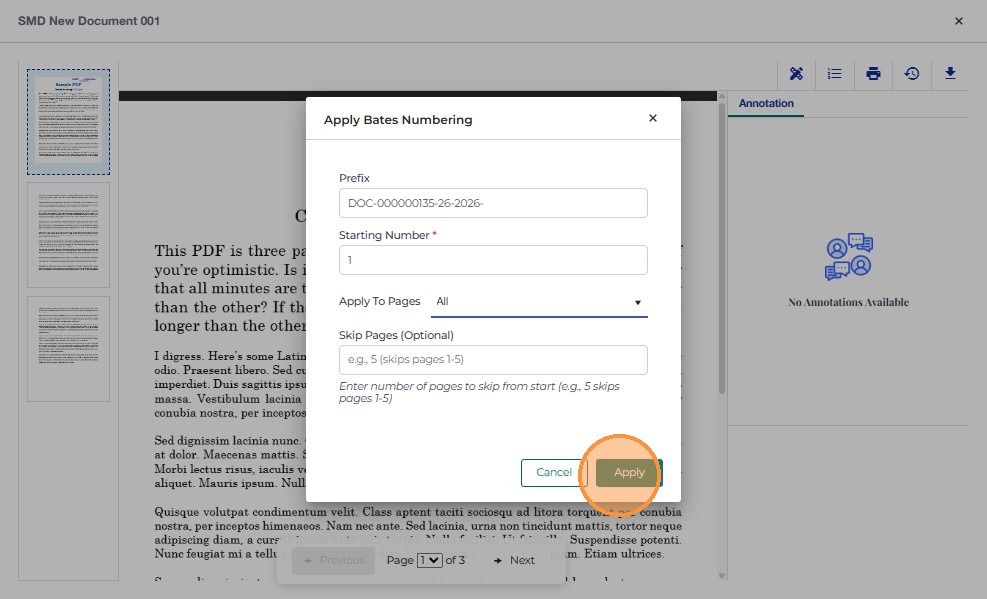
A pop up will appear which will show the prefix of the bates numbering
-
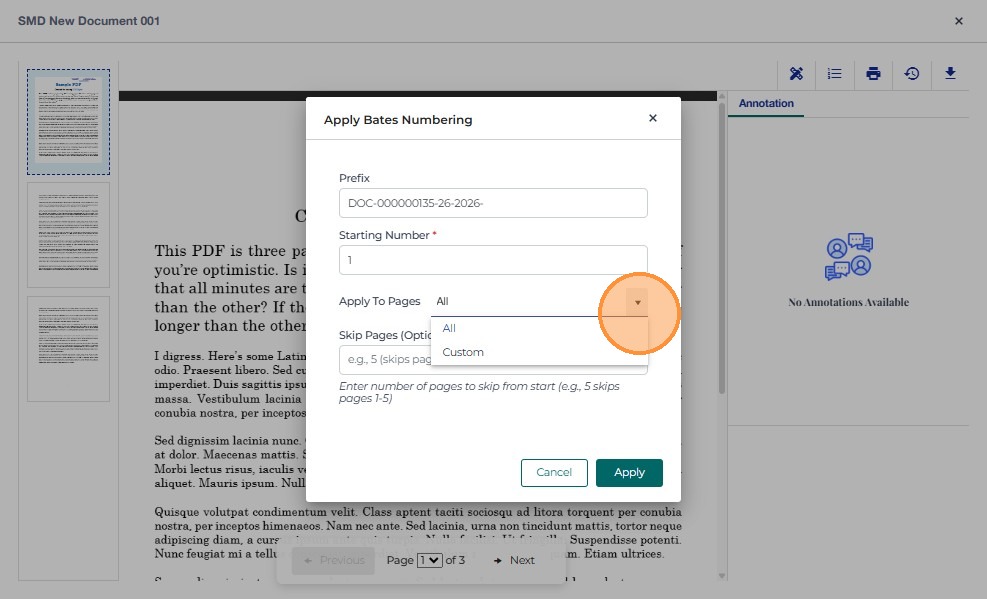
The user can enter the starting number after the prefix
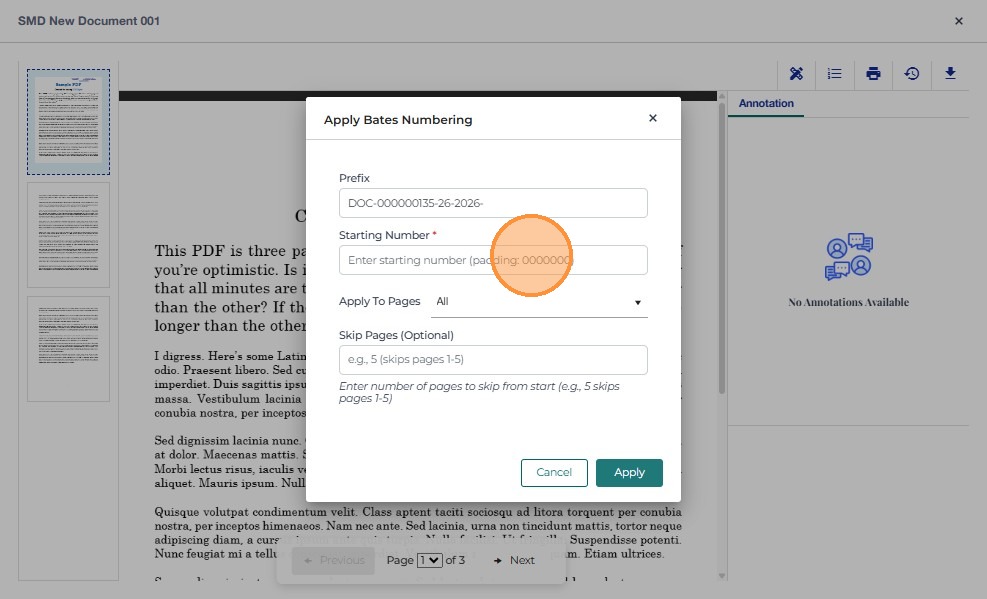
- Click Apply once the starting number and pages are entered
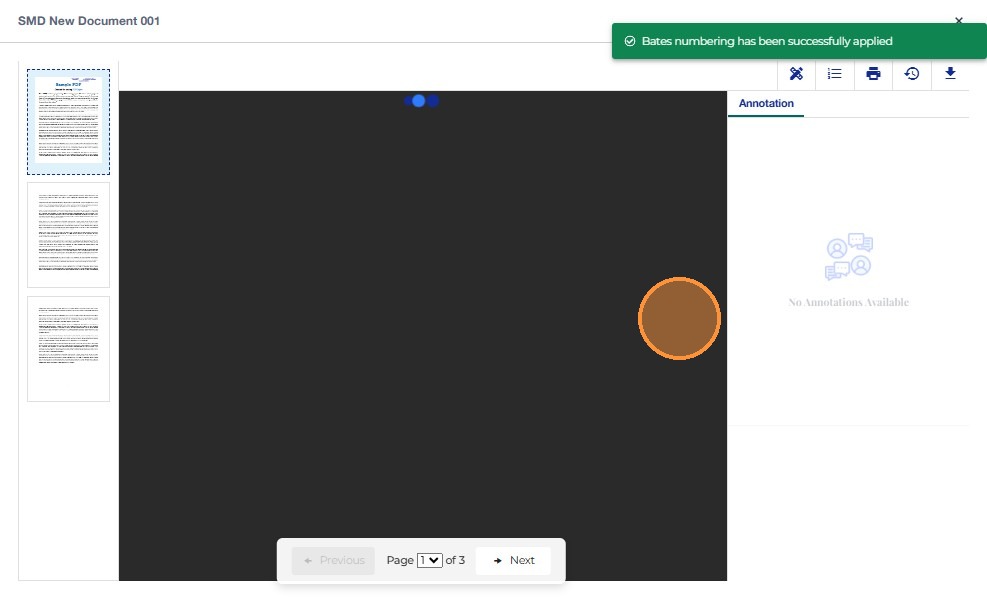
- There will be a notification that shows that the bates numbering was successfully added
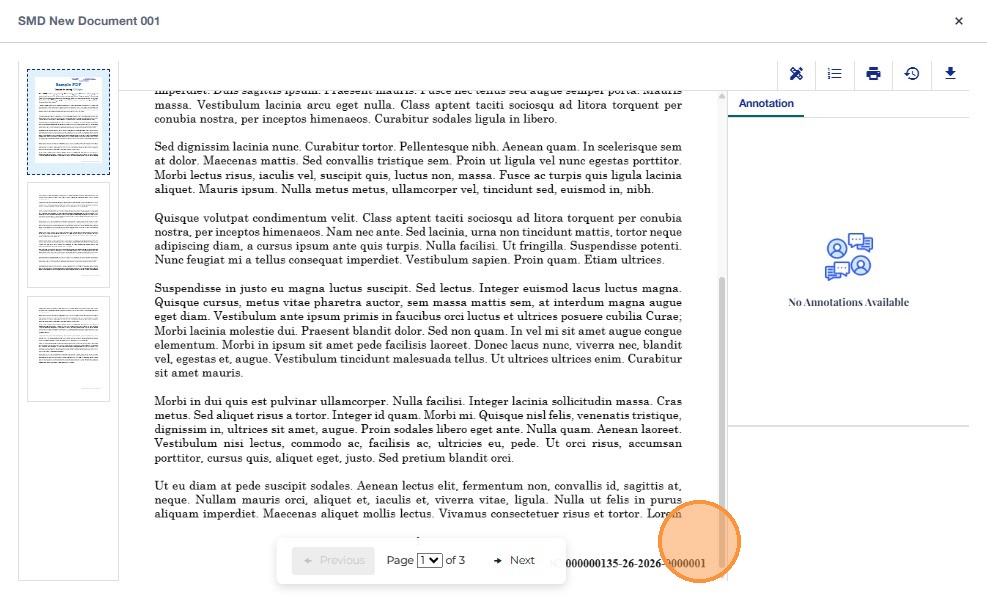
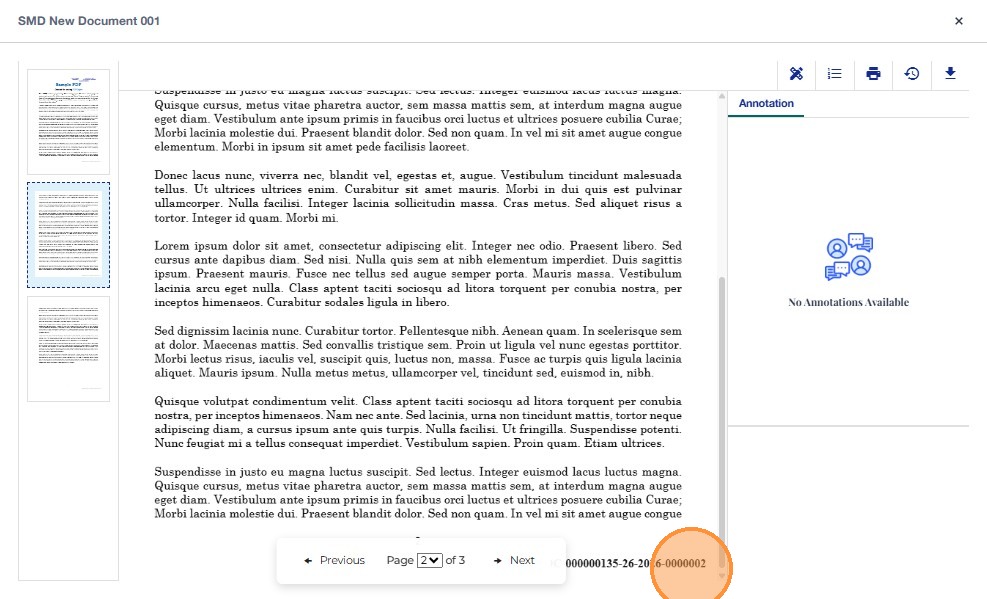
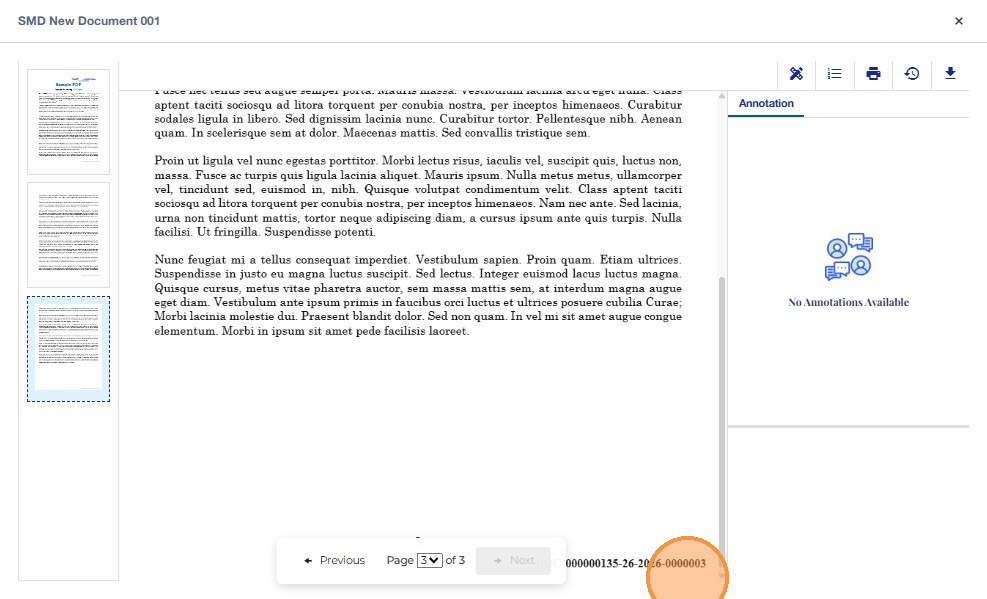
- The Bates number shall be permanently stamped at the bottom-left bottom-right of the footer on each page.
- If the user selects multiple PDF documents, they must be able to define the order in which documents are processed.
- The system shall apply the Bates numbering sequentially across all pages of the ordered documents, continuing the numbering across files.